Website maintenance and ongoing support
Website maintenance is a monthly arrangement that keeps a live site secure, current, and working: security patches and dependency updates, off-site backups, uptime and error monitoring, performance checks, and a set amount of hands-on time each month for content edits and small changes. It covers sites built on modern frameworks like Next.js as well as Shopify stores and older platforms, and it does not require that we built the site in the first place. The point is that someone is responsible for the site between projects, instead of nobody noticing until it breaks.
What is included
- Uptime monitoring
- Off-site backups
- Security patching
- Monthly edit time
Who this is for
- 01
Owners with nobody watching the site
The site launched, the project ended, and since then no one has been responsible for it. Nothing has gone wrong yet, which is exactly the right moment to put maintenance in place.
- 02
Stores and booking sites where downtime costs money
When orders, reservations, or ticket sales run through the site, an outage or a silently broken checkout is lost revenue for every hour it goes unnoticed. Monitoring earns its keep here.
- 03
Local organizations whose site is public infrastructure
A township page, a venue calendar, a restaurant ordering link. Around Kalamazoo those are what residents check first, and stale hours or a dead form turn straight into phone calls.
- 04
Teams that inherited someone else’s build
You did not choose the platform, you have no documentation, and you are nervous about touching anything. The audit that starts every plan exists to replace that uncertainty with a written picture.
Problems this solves
- The site went down over a weekend and you heard about it from a customer rather than from a monitor.
- The developer who built it moved on, and nobody is certain who holds the hosting login or whether backups exist.
- Nothing has been updated in over a year, and the packages the site runs on now have published security vulnerabilities.
- Changing a phone number, a set of hours, or one staff photo means finding a freelancer and waiting a week.
- The site has quietly gotten slower as images, tracking scripts, and embeds were added with nobody measuring the cost.
- Your contact form stopped delivering at some point, and you only worked that out because the leads dried up.
What you get
- Scope
- Set in a written proposal, delivered within 48 hours.
- Who builds it
- Sahil Sandhu, start to finish — one developer, no hand-offs.
- 01Uptime monitoring that checks the site from outside your own network, with alerts routed to us so a problem is usually caught before a customer reports it.
- 02Off-site backups on a set schedule, with a restore actually performed and verified rather than assumed to work.
- 03Security patches and dependency updates applied on a preview deployment and reviewed there before anything reaches the live site.
- 04A set amount of hands-on time each month for content edits: copy changes, new images, staff and menu updates, and small layout adjustments.
- 05Performance checks against Core Web Vitals, with image, script, and font fixes applied when the numbers start to drift.
- 06Form, checkout, and integration testing, so contact submissions, orders, and notification emails are confirmed to still arrive where they should.
- 07SSL certificates, domain registration, and DNS records tracked so nothing lapses quietly on a holiday weekend.
- 08A short written monthly summary of what was updated, what changed, and what to plan for next.
How the work runs
- 01
Audit what actually exists
We take inventory of the hosting, domain, registrar, DNS, code repository, dependency versions, backups, forms, and analytics. You get a plain-language summary of the site’s condition and anything that needs attention before routine care makes sense.
- 02
Stabilize before settling in
Urgent problems get fixed first. Backups begin running off-site, uptime and error monitoring go live, and out-of-date dependencies are brought current on a preview deployment before any of it touches production.
- 03
Run the monthly cycle
Every month follows the same rhythm: apply and test updates on preview, check performance and Core Web Vitals, verify forms and integrations still deliver, then work through your queue of content edits and small changes.
- 04
Report and look ahead
You get a short written summary of what was updated, changed, and flagged. Anything larger than routine maintenance is raised early with an estimate, so improvements get planned deliberately rather than discovered during an outage.
Technology and timeline
Technology
- Next.js
- React
- TypeScript
- Node.js
- Shopify
- Liquid
- Vercel
- Neon Postgres
Timeline
Onboarding an existing site — audit, access, backups, monitoring — typically takes one to two weeks before the plan settles into its monthly rhythm. Routine content edits are usually turned around within a few business days, and urgent problems such as a site being down or a checkout failing are picked up ahead of everything else in the queue. Sites that arrive years behind on updates often need a short catch-up period before the monthly cycle can run cleanly.
What it costs
Maintenance is billed as a flat monthly retainer, set by how the site is built, how often it changes, and how much hands-on time you want included each month. A brochure site on a modern framework sits at the lighter end, while a Shopify store or an application with accounts, payments, and a database needs more attention and is priced accordingly. Plans run month to month, and if the opening audit turns up work that has to happen before routine care is worthwhile, that catch-up is quoted separately so you can decide on it on its own merits.
Starting prices cover the scope each package describes. After a free call, your written proposal fixes the price within 48 hours.
Monthly plans are a flat price and run month to month: cancel before any billing date.
Monthly Plans
Full details: Monthly Plans- Monthly planEssentials$450/moWebsite care, Google search work and AI-search checks every month. $450/mo, or $600/mo for Shopify and WordPress sites.
- Monthly planGrowth$950/moA new page every month, an active Google Business Profile and monthly AI-search checks, on top of full website care.
- Monthly planAuthority$1,950/moTwo new pages a month, up to three locations and a monthly strategy call. By application, and only one Authority client at a time.
Shopify Stores
Full details: Shopify StoresRelated work
- Entertainment / Events

Renowned Sounds
Ongoing maintenance and SEO for a DJ and entertainment company whose bookings start with a Google search.
Maintenance · SEO · DJ & Entertainment
- Events / Hospitality
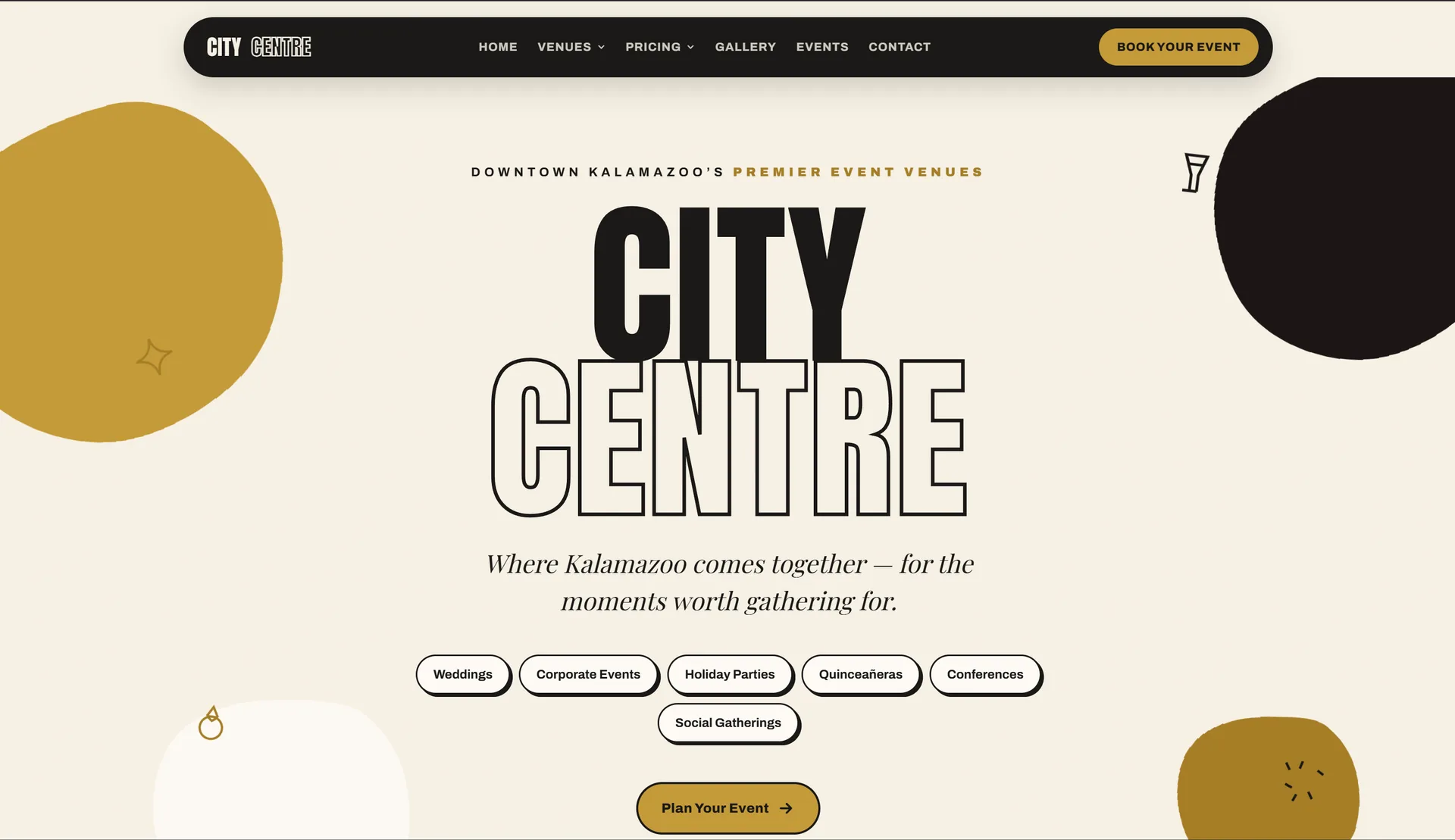
Kalamazoo City Centre
An event venue site with a fast booking flow out front and a full admin dashboard behind it, both running off one shared calendar.
Next.js · Admin Dashboard · Booking
- Government / Community

Texas Corners
A community site for Texas Corners — an interactive map, a local business directory, and township resources in one place.
Next.js · Community · Interactive Map
Frequently asked questions
Last reviewed
01Do you maintain sites you did not build?
Yes, and that is a large share of this work. The onboarding audit exists precisely for that situation: we take inventory of the hosting, domain, code, dependencies, and backups, tell you plainly what condition the site is in, and fix what needs fixing before routine care starts. The only sites we turn down are ones locked inside a proprietary platform we cannot get real access to.
02My site works fine. Why does it need updating?
Because the code underneath it does not stand still. The framework, the packages it depends on, and the platform it runs on all publish security fixes, and versions left untouched for a year or two become both vulnerable and expensive to update later. Maintenance keeps those moves small and routine instead of letting them pile into a rebuild.
03Is this not what my hosting company already does?
Hosting keeps the server running. It does not update your site’s dependencies, test that your contact form still delivers, notice that a page got slow, or change your hours on the homepage. Host-provided backups are also usually snapshots nobody has tried restoring. Maintenance covers the site itself, which is the part your customers actually interact with.
04What counts as urgent versus routine?
Urgent means the site is down, checkout is failing, forms have stopped sending, or something is visibly broken in front of customers. Those jump the queue and get worked on ahead of everything else. Routine covers content edits, small design tweaks, and scheduled updates, which are batched together and typically turned around within a few business days.
05Do unused hours roll over?
No, and that is deliberate. A maintenance plan pays for the site being watched, backed up, patched, and monitored whether or not you ask for anything in a given month. The included hands-on time exists so small requests do not need a separate quote every time. If a month runs long, extra work is estimated before it starts rather than billed as a surprise.
06Can I cancel, and what do I keep?
Plans run month to month, so you can stop whenever you want. Your domain, hosting account, code repository, and backups stay in your name throughout, because they were never held under ours. On the way out you get the current backups, a written note of where everything lives, and any access we hold handed back.
Related services
Ready to talk about website maintenance?
You will hear back within one business day, with a written proposal — timeline, approach and a fixed price — inside 48 hours.