3D and interactive websites that still load fast
A 3D or interactive website uses real-time graphics and motion in the browser — a product you can spin, a space you can move through, a story that unfolds as you scroll — instead of flat images and text. Element Web Company, based in Kalamazoo, Michigan, builds these with Three.js and WebGL on top of a normal, fast website, so the interaction is part of the page rather than an embedded gimmick. Every scene is built to a performance budget, falls back gracefully on older phones, and respects a visitor who has asked their device to reduce motion.
What is included
- Three.js / WebGL scenes
- Scroll choreography
- Optimised 3D assets
- Performance budget
Who this is for
- 01
Product companies with something physical to show
Manufacturers, hardware brands and furniture makers whose product is easier to understand when you can rotate it, open it, or see the finish change than when you read a spec sheet.
- 02
Venues, developments and spaces
Event spaces, real estate developments and buildings where the decision depends on understanding a room or a site plan. A walkthrough answers questions a gallery of photos leaves open.
- 03
Brands competing on craft
Studios, agencies and premium products whose whole pitch is that they care about detail. A site that moves well is direct evidence of that, and a stock template quietly argues the opposite.
- 04
Businesses explaining something complicated
Companies whose service involves a process, a system or a set of moving parts. Motion can show the sequence step by step in a way a paragraph and a diagram usually cannot.
Problems this solves
- The product has to be turned over, opened or configured to make sense, and flat photography keeps leaving the same questions unanswered.
- An agency delivered an impressive animated site that takes eight seconds to appear and drains a phone battery, so most visitors never see it.
- The site animates constantly — every heading fades, every card slides — and none of the movement tells the visitor anything.
- A 3D configurator or viewer works on a desktop with a good graphics card and either stutters or shows a blank rectangle on a mid-range Android phone.
- Motion effects were bolted on with a page-builder plugin, so they fight the layout, break the scroll position, and cannot be tuned.
- Visitors with vestibular sensitivity or reduced-motion settings get the full parallax treatment anyway, because nobody wired the preference up.
What you get
- Scope
- Set in a written proposal, delivered within 48 hours.
- Who builds it
- Sahil Sandhu, start to finish — one developer, no hand-offs.
- 01Custom Three.js or WebGL scenes built for your subject — product, space, or process — not a licensed template with your logo dropped in
- 02Scroll-driven choreography where motion is tied to a specific point being made, with a written rationale for each moment
- 03Optimised 3D assets: geometry decimated, textures compressed, draw calls reduced, and models loaded progressively rather than in one blocking download
- 04A measured performance budget covering bundle size, time to first render and target frame rate, reported before and after launch
- 05Device-tier detection with a designed fallback — reduced scene, video, or static art direction — so low-end phones get something intentional instead of a crash
- 06A full prefers-reduced-motion path where transitions become instant state changes and nothing autoplays, plus keyboard and screen-reader access to the same content
- 07Interactive states wired to real content: configurable options, hotspots, and camera positions you can link to directly
- 08Source files, assets and a walkthrough of how the scene is structured, so another developer can maintain it later
How the work runs
- 01
Decide what the motion has to prove
Before any scene exists, we name the thing a visitor misunderstands and what interaction would fix it. If a photograph and one sentence would do the job better, that is what gets built instead.
- 02
Prototype the hardest moment first
The heaviest scene gets built early as a rough prototype and tested on real hardware — a mid-range phone on cell service, not a laptop on office wifi. Feasibility is settled before the design is finished.
- 03
Build the site, then layer the scene
The page is built to work fully without WebGL: real text, real links, real forms. The 3D layer loads on top of that foundation, so a slow connection or a failed context degrades instead of blanking the page.
- 04
Tune, cut and launch
Frame rate, memory and load time are profiled across devices, then effects that cost more than they contribute get cut. Reduced-motion and fallback paths are tested as seriously as the main experience.
Technology and timeline
Technology
- Three.js
- GSAP
- Framer Motion
- React
- Next.js
- TypeScript
- Tailwind CSS
- Vercel
Timeline
A Signature Interactive site starts with a prototype tested on real phones, which takes about 2-3 weeks. The build then runs about 18-24 weeks from your start date, or 9-12 weeks for builds that start between May and August. Projects built around a full 3D scene — a configurator, a walkthrough, a product you can take apart — usually take longer, and the schedule depends heavily on whether usable 3D models already exist or have to be built and optimised from scratch. Performance tuning is treated as its own phase near the end rather than something squeezed in before launch.
What it costs
Interactive work is quoted as a fixed project price after a scoping conversation and, where the concept is unusual, a short paid prototype so neither of us is guessing. The number is driven by how many custom scenes there are, whether 3D assets exist already or need modelling and optimisation, how much of the motion is bespoke choreography versus standard transitions, and how many fallback paths the audience requires. Ongoing maintenance for scenes that change with your product line is quoted separately. A single 3D scene or scroll-driven sequence can also be added to an existing site, from $4,500.
Starting prices cover the scope each package describes. After a free call, your written proposal fixes the price within 48 hours.
Related work
- Nightlife / Consumer Web
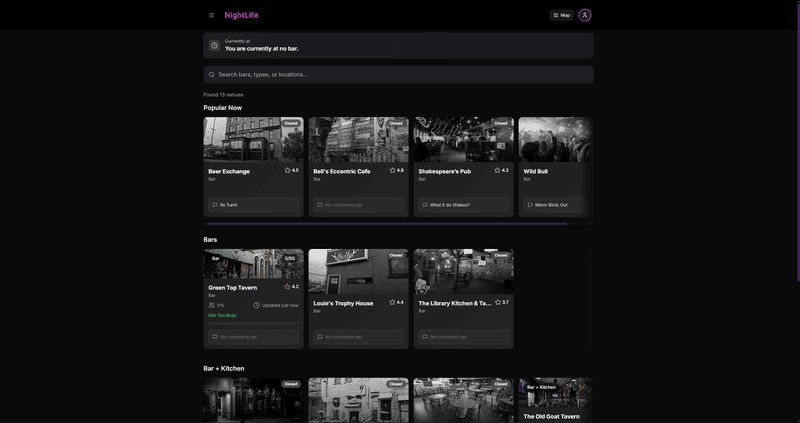
Nightlife Out
A founder-built nightlife platform that answers “where are we going tonight” with what is actually open and on, not a static directory.
Next.js · Web App · Founder
- Events / Hospitality
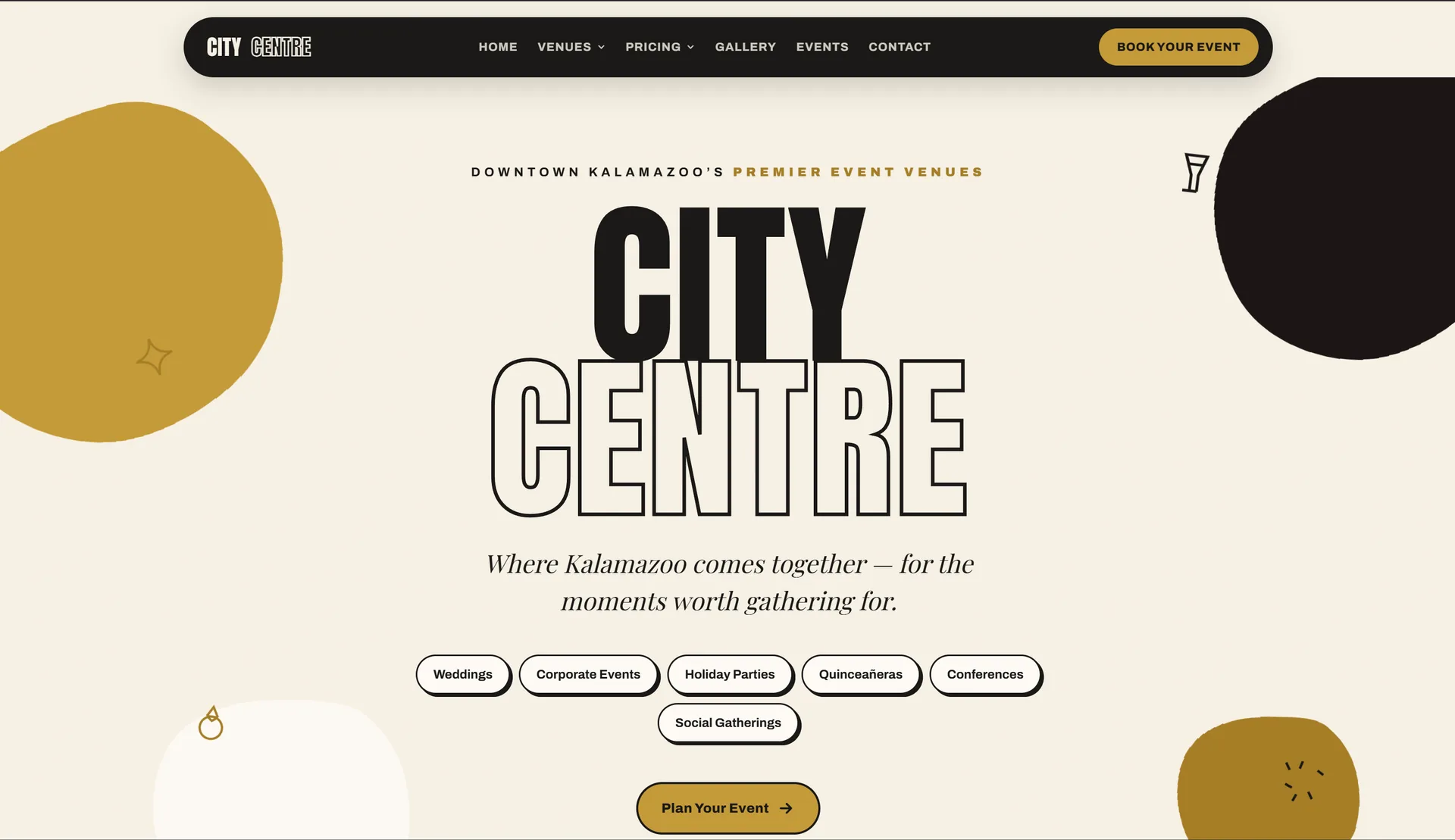
Kalamazoo City Centre
An event venue site with a fast booking flow out front and a full admin dashboard behind it, both running off one shared calendar.
Next.js · Admin Dashboard · Booking
Frequently asked questions
Last reviewed
01Will a 3D website slow my site down?
It will if nobody sets a budget. The approach here is to build the page so it renders and works without WebGL, then load the 3D layer separately once the content is usable. Geometry, textures and shaders are optimised to a target, and effects that push past it get cut rather than shipped.
02What happens on an older phone?
The site checks what the device can handle and picks a path. Capable phones get the full scene at a reduced quality tier; older or throttled devices get a designed fallback — a lighter scene, a short video, or strong static art direction. Nobody sees a blank rectangle or a spinner that never resolves, and no phone gets cooked rendering a scene it cannot sustain.
03Is this accessible to people who get motion sickness?
Yes. Every build reads the operating-system reduced-motion preference and honours it: parallax stops, transitions become instant state changes, and nothing moves without the visitor causing it. The content shown by the interaction is also reachable as ordinary text and controls, so keyboard and screen-reader users get the same information rather than a degraded summary.
04How do I know the animation is worth it and not just decoration?
Each interactive moment has to answer a question a customer actually asks — how big is it, how does it open, what does that finish look like, how does the process work. If a moment cannot be traced to one of those, it does not get built. That test kills a lot of ideas early, which is the point.
05Do you need existing 3D models, or can you make them?
Either works. If you have CAD or product models, those get cleaned up and optimised for the web, which usually means dramatically reducing geometry and baking detail into textures. If nothing exists, models can be built from photographs, drawings or the physical product. Sourcing is a real part of the schedule, so it gets settled during scoping.
06Does an interactive site hurt SEO?
Not when the content lives in the page rather than inside the canvas. Headings, copy, links and structured data are rendered as normal HTML with Next.js, and the 3D layer sits on top. Search engines read the page whether or not WebGL runs, and fast first paint helps rather than hurts.
Related services
Ready to talk about 3D & interactive?
You will hear back within one business day, with a written proposal — timeline, approach and a fixed price — inside 48 hours.