Web apps that replace the spreadsheet
Web application development means building software that runs in a browser and does actual work — taking bookings, tracking jobs, quoting, approving, reporting — rather than a website that only presents information. An application has user accounts and permissions, a real database behind it, an admin panel your staff works in, and screens shaped around the task each person is doing. It is what replaces the spreadsheet, the shared inbox, or the paper process a business is currently held together by.
What is included
- Deployed application
- Postgres schema
- Workflow screens
- Admin panel
Who this is for
- 01
Teams running the business out of a spreadsheet
One file has become the system of record. It is edited by several people, versions have quietly diverged, and one wrong sort or deleted row can cost a day of reconstruction.
- 02
Businesses still taking bookings by phone and text
Appointments, reservations, or orders arrive across calls, texts, and email, then get copied into a calendar by hand. Double-bookings and missed messages are a scheduling problem, not a staff problem.
- 03
Companies paying for software that nearly fits
You license a platform, use a fraction of it, and still export to a spreadsheet for the one step it cannot do. The subscription grows while the workaround stays.
- 04
Owners with no live view of the operation
Answering a simple question about jobs in progress, revenue this month, or who is behind means asking three people and waiting. The data exists; nothing puts it on one screen.
Problems this solves
- The same information is entered two or three times, in the booking calendar, the invoice, and the spreadsheet, and each copy eventually disagrees with the others.
- Only one person actually knows how the process works, and nothing runs the same way while they are on vacation.
- Everyone has access to everything, including customer records and pricing that most of the team has no reason to see.
- Reporting is a manual exercise at month end: export, paste, fix formulas, and hope nothing was missed.
- Customers cannot book, check status, or submit what you need without emailing someone and waiting for a reply during business hours.
- Your data lives in a file on a laptop that belongs to one employee, with no backups, no history of who changed what, and no way to undo a bad edit.
What you get
- Scope
- Set in a paid, fixed-price discovery step; the written proposal for it arrives within 48 hours.
- Who builds it
- Sahil Sandhu, start to finish — one developer, no hand-offs.
- 01A working application deployed at a URL your team logs into, with accounts, roles, and permissions matched to who should see and change what.
- 02A Postgres database designed around your actual records, with existing data migrated in rather than re-entered by hand.
- 03The workflow screens the job requires, such as booking calendars, order queues, quote builders, or status pipelines, built to the steps your team already follows.
- 04An admin panel where staff can create, search, edit, and correct records themselves without a developer in the loop.
- 05Dashboards and reporting for the numbers you check regularly, plus CSV export for anything that has to leave the system.
- 06Automated email or notification triggers on the events that matter: a new booking, a payment failure, a request sitting unanswered too long.
- 07Connections to the outside systems you are keeping, wired through their APIs and tested against real data instead of left as a to-do.
- 08The full TypeScript codebase in a Git repository under your account, with deployment, database backups, and a walkthrough of how the whole thing runs.
How the work runs
- 01
Map how the work happens now
We sit with the people doing the job and follow one real record from start to finish. That surfaces the exceptions, the informal rules, and the steps nobody documented, which is usually where off-the-shelf software fails.
- 02
Design the data model and the screens
Before features get built, we settle what a record is, how records relate, and who may touch each one. Then each role gets screens showing only what that person needs, reviewed as clickable pages rather than diagrams.
- 03
Build in phases you can use early
The application is built one workflow at a time on a private URL, starting with the part causing the most pain. Your team uses it on real work while the rest is developed, so problems surface before launch.
- 04
Migrate, launch, and stay close
Existing data is imported and checked against the source, permissions are verified role by role, and staff are trained on the screens they own. We stay engaged after launch, when the real edge cases appear.
Technology and timeline
Technology
- Next.js
- React
- TypeScript
- Tailwind CSS
- Node.js
- Neon Postgres
- Vercel
Timeline
Discovery comes first: about 1-2 weeks for a single-workflow tool, or 2-4 weeks for a booking, ordering or dashboard build. After it, a Single-Workflow Tool build runs about 9-13 weeks, a Booking & Ordering System about 14-20 weeks and an Operations Dashboard about 16-24 weeks from your start date, and builds that start between May and August run faster. Where a project lands depends on how many roles, workflows, and outside integrations are in scope. Because the build is phased, teams typically start using the first workflow well before the whole system is finished. Data migration and the review time your staff can give are usually what move the date, so both get scheduled at the start.
What it costs
Applications are priced per phase rather than as one lump sum, after a paid discovery stage that produces the data model, the screen list, and a written scope you own regardless of who builds it. What drives the number is the count of distinct user roles and workflow screens, how many outside systems must connect, and how messy the data being migrated is. Hosting and database costs are billed by those providers directly at whatever your usage costs, not marked up.
Starting prices cover the scope each package describes and already include discovery. After a free call, a written proposal fixes the discovery price within 48 hours, and discovery fixes the build price.
Monthly plans are a flat price and run month to month: cancel before any billing date.
Custom Software & Web Apps
Full details: Custom Software & Web Apps- Fixed priceDiscovery Sprint$2,500The paid, fixed-price first step: the plan, the database design and a fixed price for your app. You keep all of it.
- Starting priceSingle-Workflow ToolFrom $7,500Move one process off spreadsheets or paper into a secure web app with its own dashboard.
- Starting priceBooking & Ordering SystemFrom $12,500Online booking or online ordering, plus the admin dashboard to run it, built around your own rules.
- Starting priceOperations DashboardFrom $14,900Replace the spreadsheets: staff enter the day's numbers, and managers see the reports.
- Starting priceCustom PlatformFrom $30,000A multi-role web application, delivered in phases you can start using as each one ships.
- Monthly planApp Care$650/moMonitoring, updates and 3 hours of development a month for a live app. It costs more than website care because apps hold logins and customer data.
Related work
- Events / Hospitality
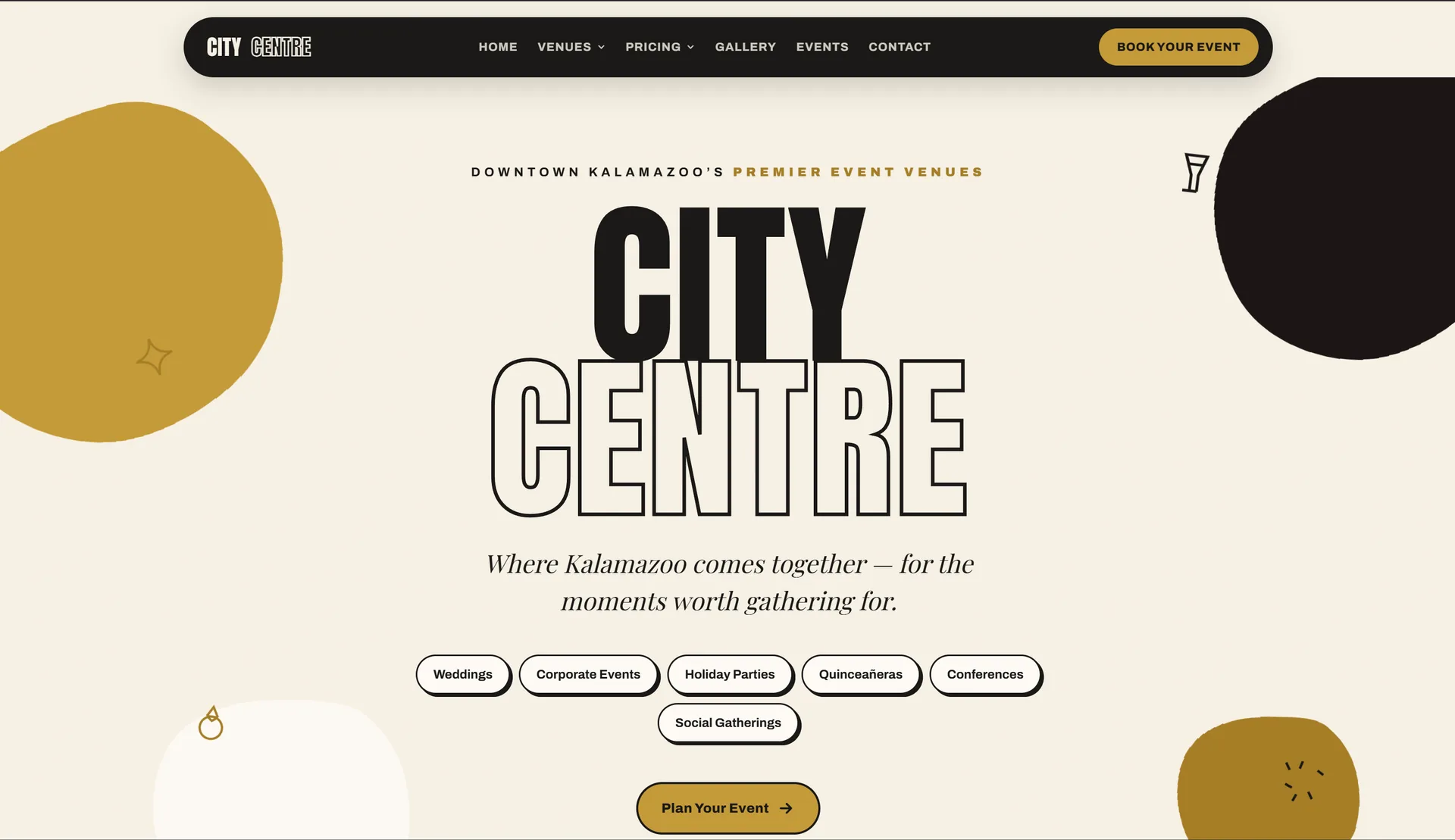
Kalamazoo City Centre
An event venue site with a fast booking flow out front and a full admin dashboard behind it, both running off one shared calendar.
Next.js · Admin Dashboard · Booking
- Restaurant / Food ServiceComing soon

Katcha Steak
A custom online ordering platform — menu, cart, pickup and delivery — built for a Kalamazoo cheesesteak and hoagie shop.
Online Ordering · Pickup & Delivery · Restaurant
- Nightlife / Consumer Web
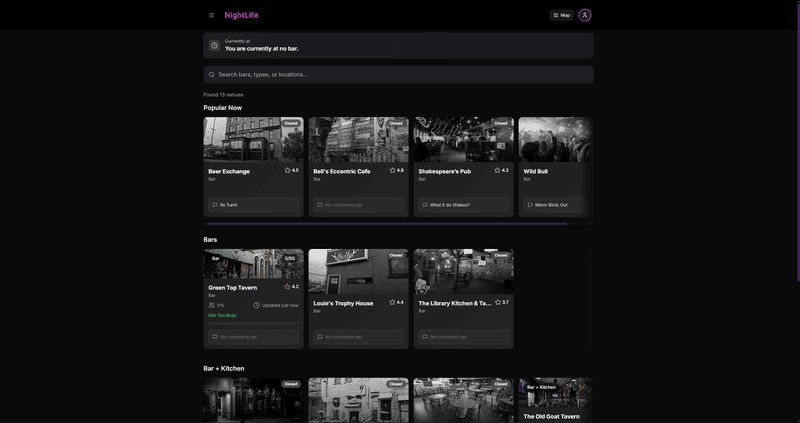
Nightlife Out
A founder-built nightlife platform that answers “where are we going tonight” with what is actually open and on, not a static directory.
Next.js · Web App · Founder
Frequently asked questions
Last reviewed
01What makes this a web application rather than a website?
A website presents information the same way to everyone. An application stores your data, changes it, and behaves differently depending on who logged in. If people need accounts, if records get created and updated, if one person approves what another submits, or if the screen has to show a live state, you are describing an application.
02We already run everything in spreadsheets. Can that data come across?
Yes, and it is a normal part of the project. Spreadsheets are exported, cleaned, and imported into a proper database, with the messy parts flagged rather than silently dropped. Duplicates, blank required fields, and dates in three different formats always turn up. We check the imported records against your originals before anything goes live.
03Should we just buy existing software instead?
Sometimes you should, and we will say so. If a mature product covers your process without a workaround, buying it is cheaper than building. Custom makes sense when your process is the actual advantage, when you are paying for a platform you use a fraction of, or when the last step still ends in a spreadsheet.
04How do logins and permissions work?
Every user gets an account, and accounts belong to roles you define, such as staff, manager, or owner. Each role sees only the screens and records it should. Passwords are stored hashed, sessions expire, and sensitive actions are logged so you can see who changed what and when. Access is removed the day someone leaves.
05What does it cost to run after launch?
An application has ongoing hosting and database costs. In practice that means a Vercel Pro plan (from $20/mo, plus any usage beyond its included credit) and a Neon Postgres database billed on usage. For a tool used by a single business, hosting, database and email together typically come to about $20-$60/mo. Those go on your own accounts. Any payment or SMS service you use bills separately.
06What happens when we need changes later?
Applications change as the business does, which is the point of owning the code. Some clients keep a monthly arrangement for changes and monitoring, others come back with a defined block of work when something needs to be added. Either way the repository is yours, so another developer could pick it up without asking us.
Related services
Ready to talk about web app development?
You will hear back within one business day, with a written proposal for a fixed-price discovery step inside 48 hours. Discovery then sets the fixed price of the build.